



Meet Elements
Whether you're new to developing websites or apps, or you're a full-time developer, Elements has all the tools for you.
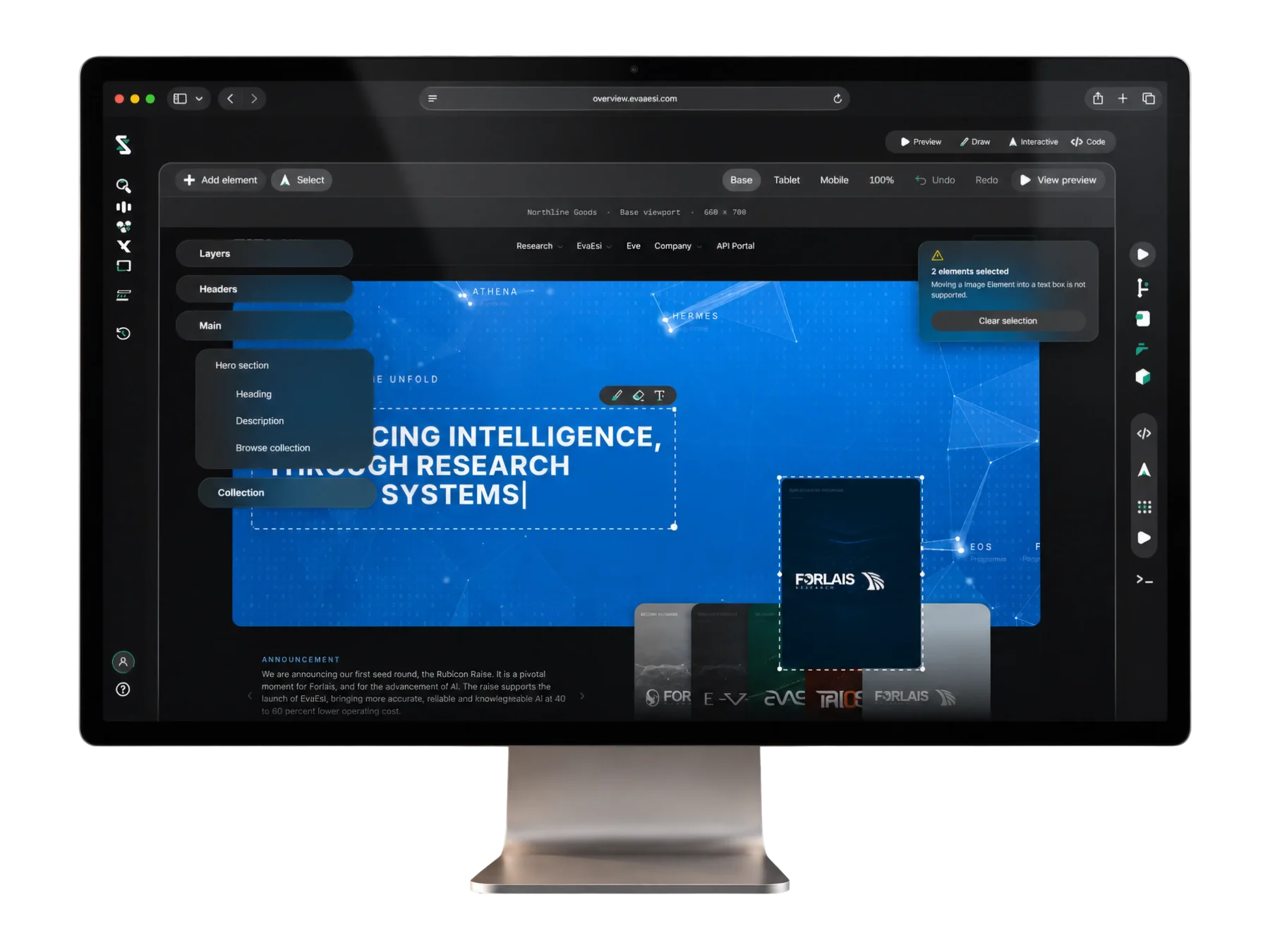
 Code
Code Interactive
 Files
Files Draw
Draw Preview
 Deploy
From your first ever coding experience to seasoned developers.
Your All In One Coding Environment.
How far will your imagination take you?
Elements isn't your standard coding experience. It's a place where creativity comes first, where an idea can become something real, and where you don't need to know how to build something to begin creating it.






Not just websites. Not just code.
Maybe you're building an application. Maybe you need a custom back end. Maybe you're an experienced developer who wants complete control. Elements gives you the freedom to work at your own level, combining visual creation, code and AI-assisted development in one environment.
It starts with an idea.
Tell EvaEsi what you want to create. Describe it in detail, explain a rough idea or simply say, “I want to build a website.”
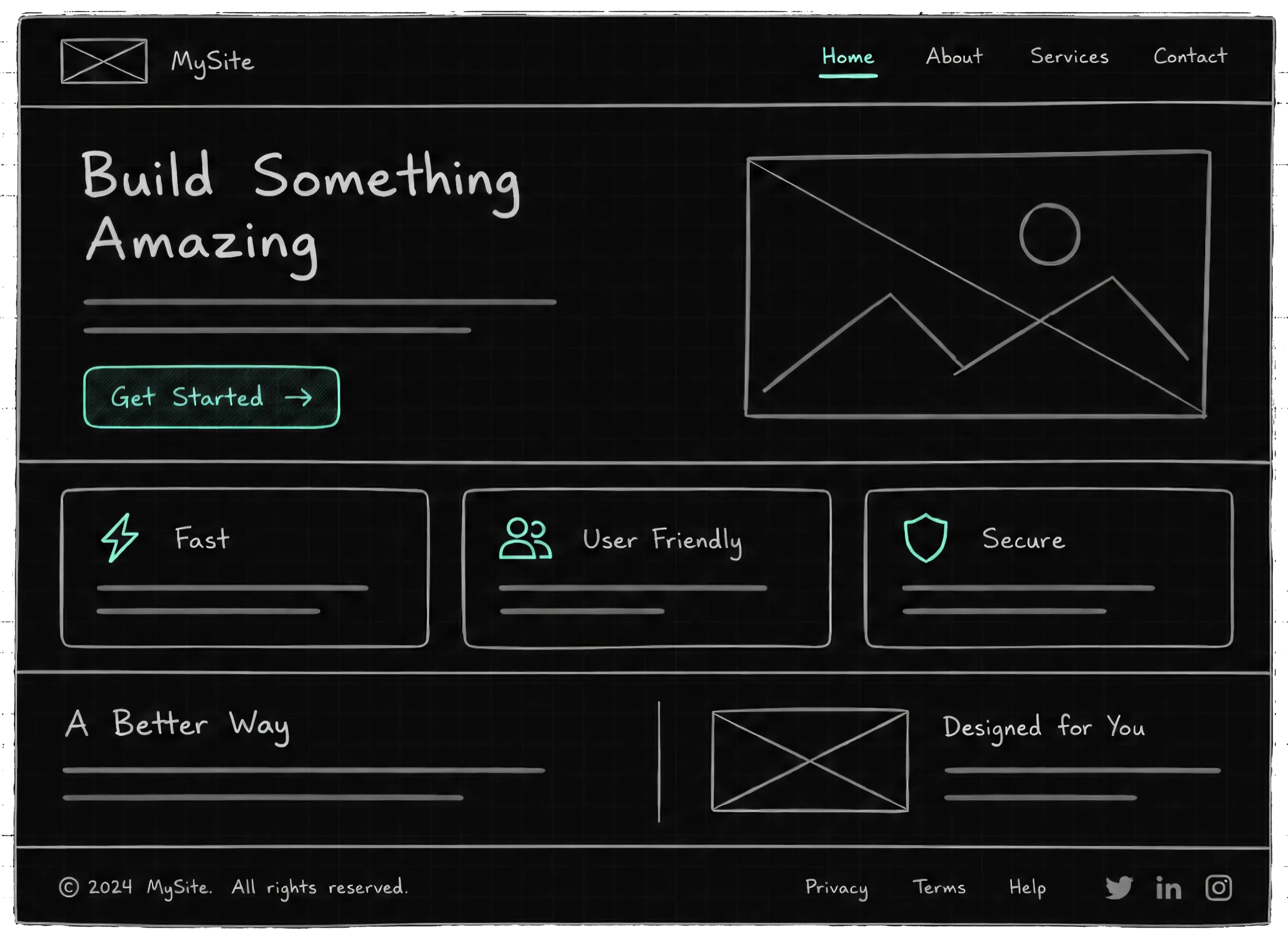
Open Draw, sketch out what you have in mind, add a splash of colour, your branding or a few images. You don't need a perfect design. Just give your imagination somewhere to start.
Make every detail yours.
From the smallest interaction to the overall experience, it's about making sure what you've created feels right. Once you're happy with your design, EvaEsi can help review the details, refine the experience and work through the finishing touches with you.





How far will your code take you?
Elements isn't a chat window with a code box on the side. It's a real development environment: your files, an editor, a terminal, Git and a running preview in one place, with EvaEsi working in the same project you are.

Not just websites. Not just the front end.
An application. A service behind it. A script you'll run once and throw away. Work at the level you choose: all of it by hand, all of it with EvaEsi, or anywhere in between.
It starts with your code.
Open a project from your machine, or start a new one. Elements gives you the editor, the terminal, Git and a live preview side by side, and EvaEsi sees exactly the files you see.
Describe a change against the file you have open, the lines you've selected or the whole project. Or just write it yourself. Both land in the same place.
Make every detail yours.
Switch to Interactive, pick an element in the running page and change its layout, spacing or type directly, and the change lands in your code. Then work through the details with EvaEsi: the edge cases, the states, the finishing touches.